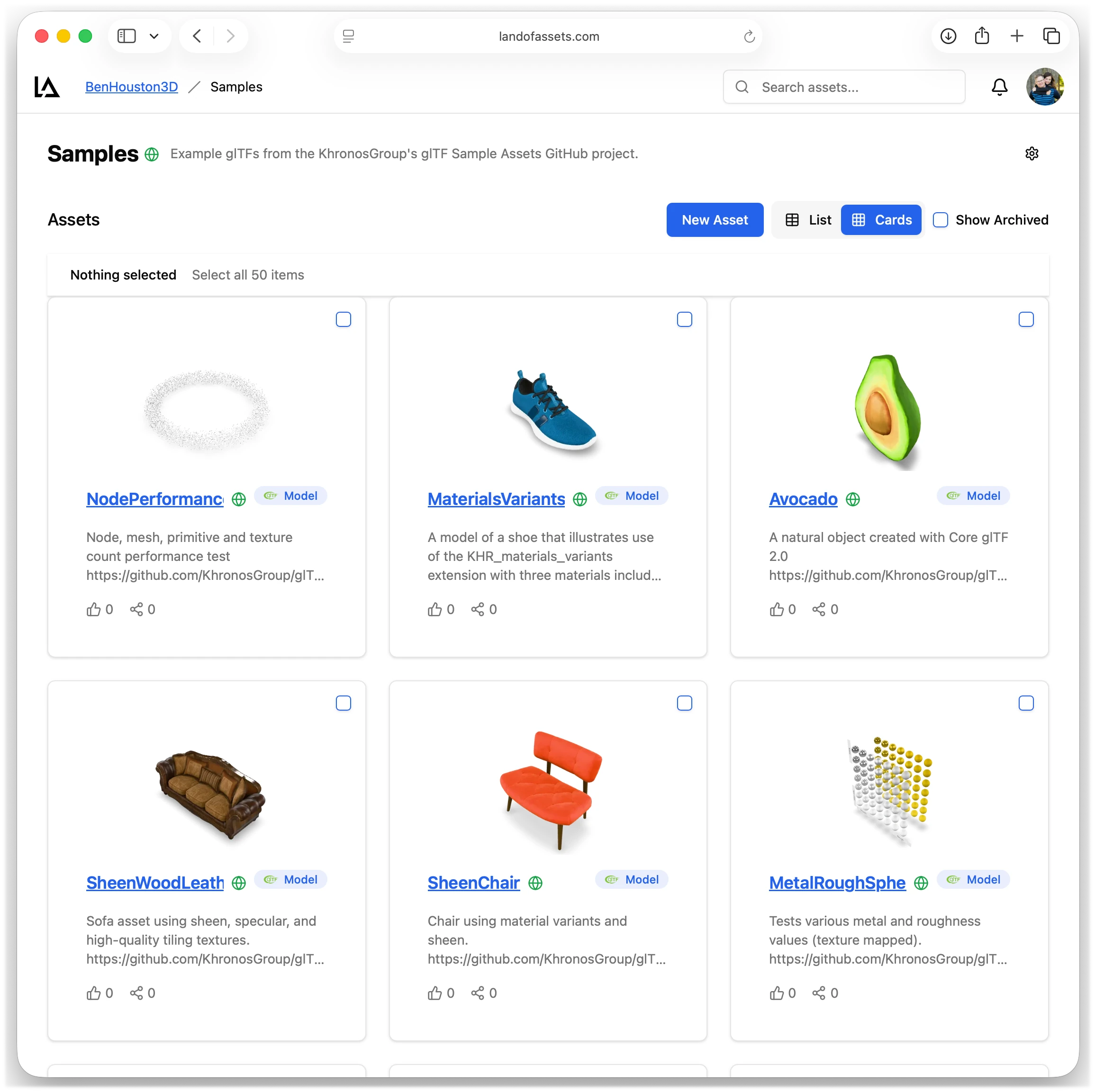
Your 3D assets don't belong in Git.
Keep the files in a shared library. Keep your application's asset selections in small manifests and lockfiles, reviewed alongside your code.
Artists create. Developers select. Everyone uses the same library.
Large models, textures, and environment maps make code repositories heavy. Git LFS helps store the bytes, but your team still needs previews, version history, and a way for artists to contribute without managing code branches.
Threeify gives artists a browser-based home for uploading, previewing, and revising their work. Developers select assets from that library by name and version, using the threeify CLI.
Your application tracks its choices. The asset platform manages the files.
Small files in Git. Large files in the library.
Add an asset like a dependency
Install the CLI, then select a published asset you can access. This example uses an illustrative organization and project:
npm install -g @threeify/cli
threeify add acme/furniture/[email protected] --as chair
threeify install
The CLI writes assets.json and assets-lock.json. Commit both with your code. The manifest declares your selections; the lockfile records resolved versions and native content hashes. Installed files stay in the gitignored asset_cache/ directory.
Give your code a stable name
{
  "name": "showroom",
  "assets": {
    "chair": "acme/furniture/[email protected]"
  }
}
Your application refers to chair. The manifest and lockfile select which published asset it means. A native Threeify version is immutable, so another upload cannot silently change the bytes you selected.
Asset updates follow your code review.
Try it on a branch
Select a newer chair on a feature branch while your main branch keeps the previous version. The small manifest and lockfile changes show exactly which selection changed.
Adopt it deliberately
Publishing a version and selecting it are separate actions. Review the new asset with the code that uses it, then merge when your team is ready.
Return to a known selection
Revert the manifest and lockfile change to select the previous version. Regenerate your resolution map, or let the Vite integration resolve that selection for your app.
Cloud, local, or a bit of both.
Keep the same binding names as you move between development and deployment.
Load from the cloud
Use remote resolution to load published assets without an install step. Exact native versions resolve to versioned delivery URLs.
Work locally
Run threeify install to download your selections. Local mode uses installed files for offline work or a self-contained deployment; auto mode prefers installed files and falls back to remote URLs.
Experiment with a draft
Point an alias at a live local file with a gitignored assets.local.json override. Try changes without replacing the tracked selection, then publish and select the version you want to share.
Reuse downloads across projects.
One verified store for native assets
Native Threeify files use a shared, content-addressed store. A version you've already downloaded can be reused by another project or worktree instead of downloading the same bytes again.
Installed native files are isolated from the store, with copy-on-write clones where supported and independent copies otherwise. Disk savings depend on filesystem support.
Bring other sources when you need them
You can also select direct HTTP(S) URLs and live local files. URL downloads stay project-local, and live files stay at their original locations.
Native published versions provide pinned bytes and integrity verification. Direct URLs and live local files remain useful for development inputs that may change.
Fits the application you're already building.
A URL for the loader you use
The runtime resolves binding names to URLs for Three.js or any other loader. Use the Vite plugin to supply the resolution map, or export one with threeify resolve and load it in your application.
Large projects can declare assets in multiple workspace manifests while sharing a root lockfile. The CLI also provides commands to find newer versions, update selections, publish assets, and maintain the shared store.
Part of the same asset workflow
Keep your team's previews and discussions in Threeify. Use the asset manager to decide what your application consumes, and the REST API, SDK, or webhooks to automate the surrounding pipeline.